
Print CouriersPlease labels with ReadyToShip
ReadyToShip connects your online store to CouriersPlease, so you can print labels for local, regional and interstate parcels in batches and send tracking back to your store. You connect your own CouriersPlease account and use your own rates.
No credit card required.

How ReadyToShip works with CouriersPlease
From new orders to tracking updates, without copying and pasting.
Orders arrive
Orders from your online stores import automatically.
Print labels
Print CouriersPlease labels in batches.
Store updated
Tracking goes back to your store and the order status is updated.



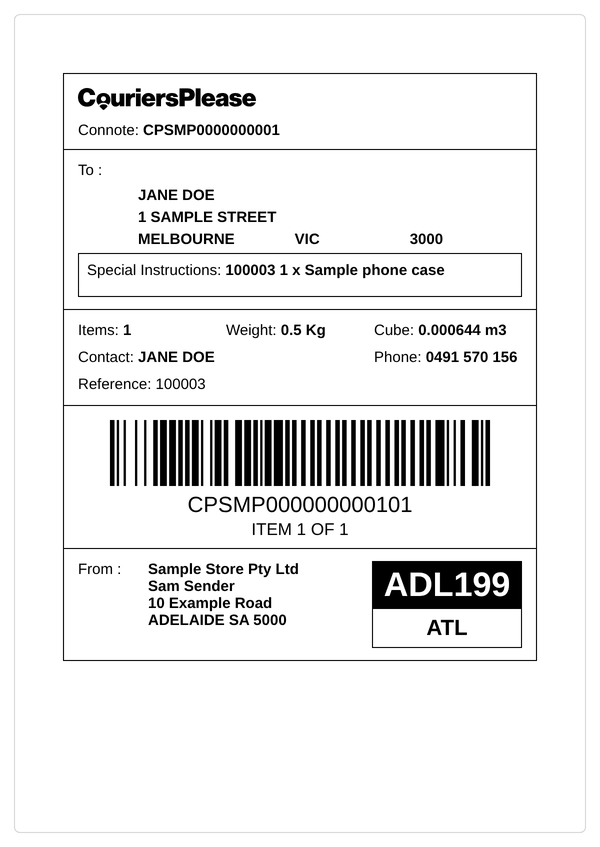
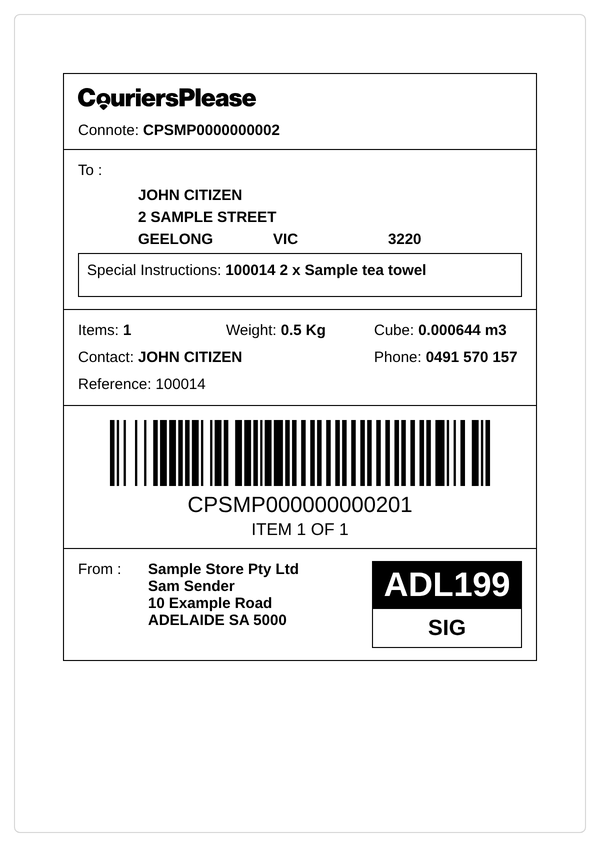
CouriersPlease services you can use with ReadyToShip
CouriersPlease account
With CouriersPlease and ReadyToShip you can streamline your domestic shipping processes across Australia.
Send parcels Australia wide with standard and express services, and Authority to Leave for flexible delivery.

CouriersPlease benefits
Quick set-up
Request your API key from inside ReadyToShip, then connect your account as soon as CouriersPlease sends it.
Metro and regional coverage
CouriersPlease specialises in domestic parcels, with a network that reaches metro and regional areas across Australia.
Flexible delivery options
Offer Authority to Leave, signature on delivery or express services, so parcels arrive the way your customers expect.
Pay for what ships
CouriersPlease charges only for labels scanned at pickup, so a label you reprint costs nothing extra.
Your own rates
Use the rates you have agreed with CouriersPlease for every order.
Connect CouriersPlease to your stores
Use CouriersPlease with any of these stores and marketplaces.









How to connect CouriersPlease to ReadyToShip
Request an API key. In ReadyToShip, go to Settings > Carriers, click Add Carrier and select CouriersPlease. Fill in the form and click Request API Key.
Wait for your key. CouriersPlease emails you when your API key is ready, usually within a day or two.
Connect. Add CouriersPlease again, choose the option for an existing API key, enter your Account Number and API key, then click Test Connection.
Add your pickup address. In your CouriersPlease carrier settings, enter your pickup address with a matching suburb and postcode, then click Save. Your rates then appear against each order.
CouriersPlease shipping FAQs
When is the CouriersPlease Christmas cut-off in 2026?
What do I need to connect my CouriersPlease account?
Am I charged for labels I don't use?
How do customers track a CouriersPlease parcel?
Can I use my own CouriersPlease rates?
Does ReadyToShip book pickups with CouriersPlease?
Try ReadyToShip for free
Start your 30-day free trial today. No set-up costs. No credit card required.
Start Free TrialResources
