Integrations
ReadyToShip connects your online store or marketplace to your shipping carriers. Once you connect a store and a carrier, ReadyToShip imports your orders so you can manage your shipments, print labels and upload tracking details back to your store.
Set up in minutes
Connect your store during your free trial, and you'll see orders arrive in ReadyToShip within minutes. Our Australian onboarding team can help you connect your stores and carriers via live chat during business hours.
Start Free TrialNo credit card required.

Ecommerce store and marketplace integrations

Shopify
Connect your Shopify store and your preferred carriers to print shipping labels fast.
Find out more about Shopify
WooCommerce
Print shipping labels fast with WooCommerce, ReadyToShip and your preferred carriers.
Find out more about WooCommerce
Neto by Maropost
Connect Neto and your carriers to ReadyToShip, and print shipping labels within minutes.
Find out more about Neto by Maropost
BigCommerce
Connect your BigCommerce store and your preferred carriers, and print shipping labels fast.
Find out more about BigCommerce
Magento
Print shipping labels fast with Magento, ReadyToShip and your preferred carriers.
Find out more about Magento
Kogan marketplace
Connect Kogan marketplace and your carriers to ReadyToShip, and start printing labels in minutes.
Find out more about Kogan
eBay marketplace
Connect eBay and your carriers to ReadyToShip for quick shipping label printing.
Find out more about eBay
Wix
Connect your Wix store and your carriers to ReadyToShip, and start printing labels in minutes.
Find out more about Wix
Squarespace
Print shipping labels fast by connecting your Squarespace store and your carriers to ReadyToShip.
Find out more about Squarespace
Commerce7
Connect your Commerce7 store and your carriers to ReadyToShip, and print shipping labels within minutes.
Find out more about Commerce7
Temu Australia
Speed up shipping by connecting your Temu store and your chosen carriers for fast label printing.
Find out more about Temu Australia
WineDirect
Connect your WineDirect store and your carriers to ReadyToShip, and start printing labels in minutes.
Find out more about WineDirect

CSV import
Selling on a platform that isn't listed? Upload your orders to ReadyToShip using a comma-separated values (CSV) file, then print shipping labels with a supported carrier.
How to create a CSV file of your ordersCarrier integrations

Australia Post
Print shipping labels for MyPost Business, eParcel Contract and StarTrack from one place.
Find out more about Australia Post
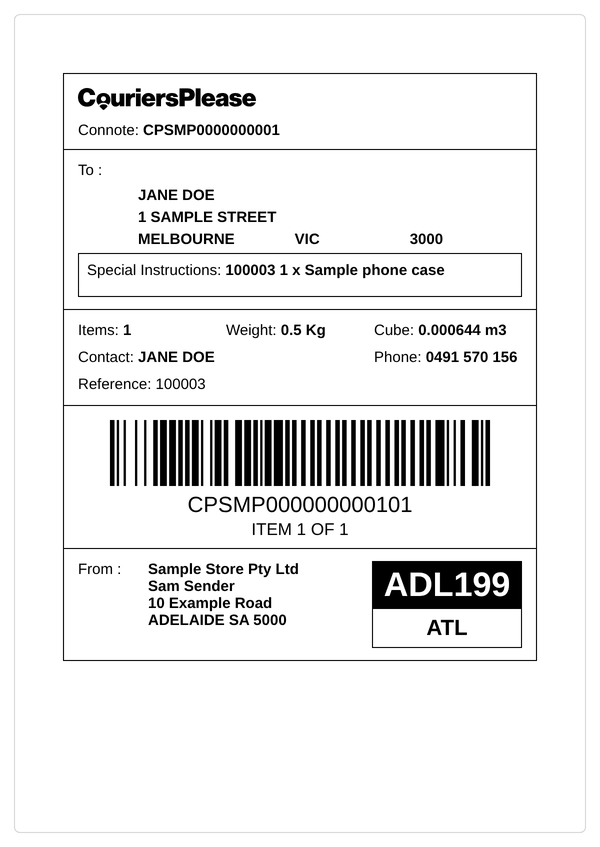
CouriersPlease
Send local, regional and interstate parcels Australia-wide with CouriersPlease.
Find out more about CouriersPlease
Aramex
Print Aramex shipping labels and send tracking details to your store, whatever the size of your business.
Find out more about Aramex
DHL eCommerce and DHL Express
Ship internationally with DHL eCommerce for cost-effective parcels or DHL Express for fast, time-sensitive deliveries.
Find out more about DHL
Team Global Express
Deliver parcels, dangerous goods and bulk commodities efficiently with Team Global Express.
Find out more about Team Global Express
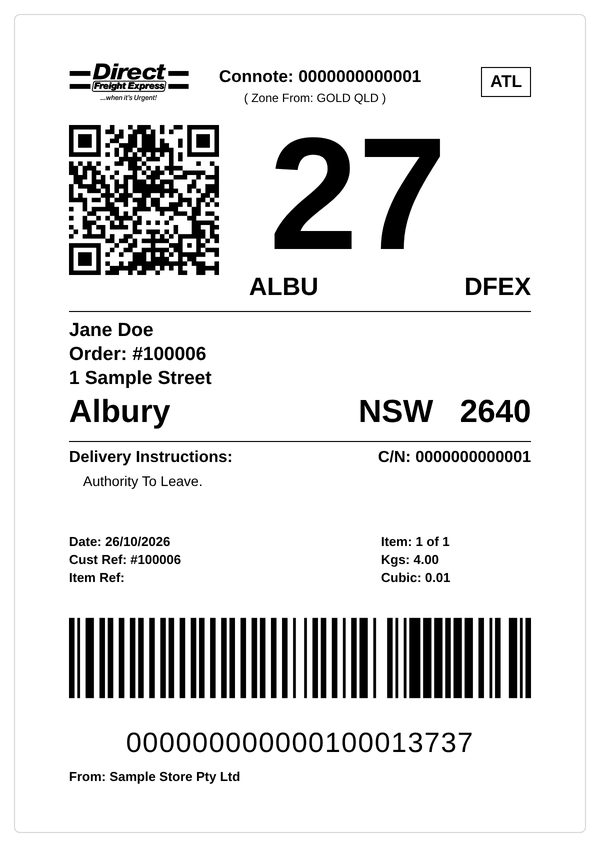
Direct Freight Express
Direct Freight Express provides a national express road transport service.
Find out more about Direct Freight Express
Hunter Express
Reliable Australia-wide delivery by road, with door-to-door services in all capital cities.
Find out more about Hunter Express
Also available: Seko and TIG Freight.
Frequently asked questions
Can I connect more than one store?
Can I use my own carrier account and rates?
What if my platform or carrier is not listed?
Do you have an API or webhooks for a custom system?
Try ReadyToShip for free
Start your 30-day free trial today. No set-up costs. No credit card required.
Start Free Trial