
Print Direct Freight Express labels with ReadyToShip
ReadyToShip connects your online store to Direct Freight Express, so you can compare rates, print labels in batches and send tracking back to your store. You connect your own Direct Freight Express account and use your own rates.
No credit card required.

How ReadyToShip works with Direct Freight Express
From new orders to tracking updates, without copying and pasting.
Orders arrive
Orders from your online stores import automatically.
Print labels
Print Direct Freight Express labels in batches.
Store updated
Tracking goes back to your store and the order status is updated.



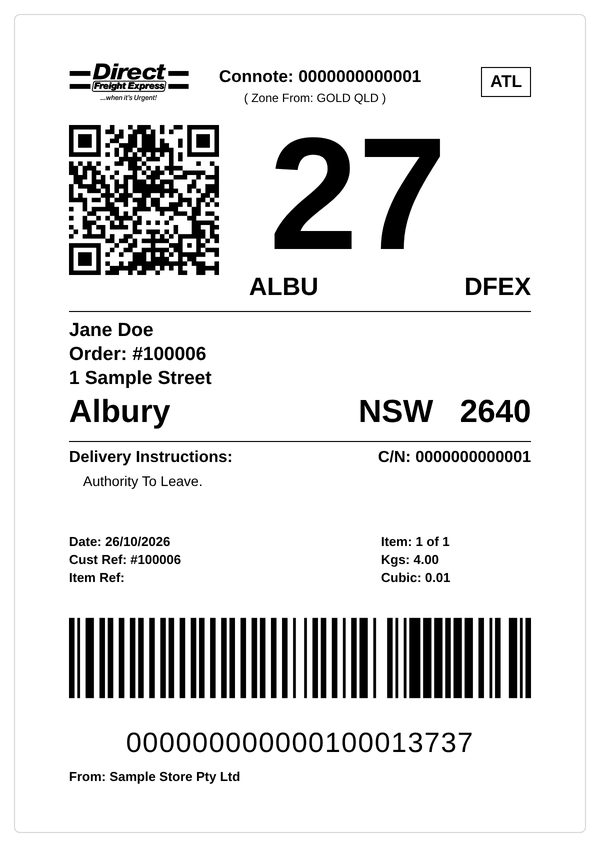
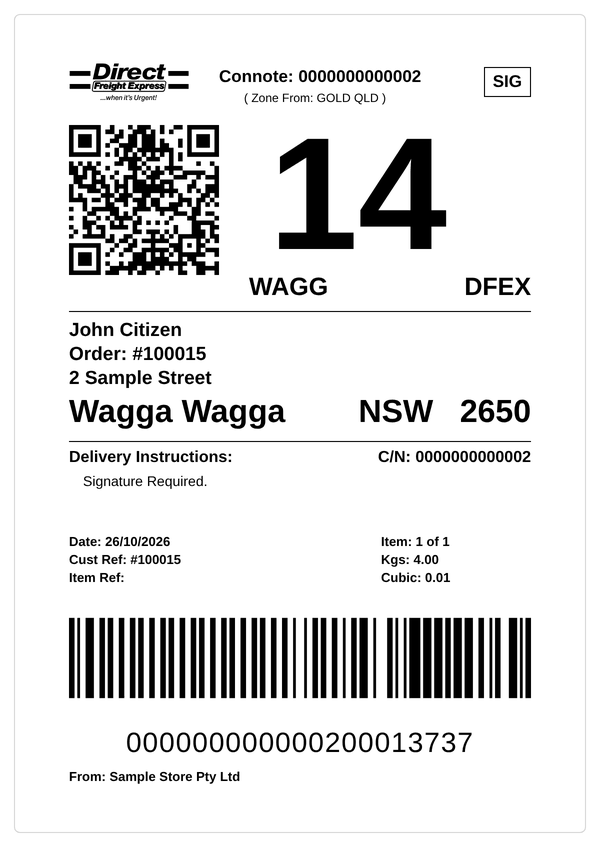
Direct Freight Express services you can use with ReadyToShip
Direct Freight Express account
Freight and parcel delivery across Australia, sent as items or pallets. The rates shown in ReadyToShip include fuel surcharges and GST.

Direct Freight Express benefits
Quick set-up
Register for API keys in the Direct Freight Express Developer Centre, then connect them to ReadyToShip in a few steps.
Items or pallets
Send orders as items or pallets, with a default you can change for any order.
Grows with your business
Direct Freight Express handles growing order volumes as your business expands.
Care for every shipment
Direct Freight Express tailors its services to each customer and handles every shipment with care.
Connect Direct Freight Express to your stores
Use Direct Freight Express with any of these stores and marketplaces.









How to connect Direct Freight Express to ReadyToShip
Register for API keys. Log in to the Direct Freight Express portal, open the Developer Centre, click Register and select the Consignment API and Pricing API. Direct Freight Express emails your API keys.
Add the carrier. In ReadyToShip, go to Settings > Carriers, click Add Carrier and select Direct Freight Express.
Connect. Enter your API keys and click Test Connection.
Choose your settings. Set your Default Package Format to Item or Pallet, check the other defaults, then click Save Carrier.
Direct Freight Express shipping FAQs
What do I need to connect my Direct Freight Express account?
Do the Direct Freight Express rates shown include fuel surcharge and GST?
What label size does Direct Freight Express use?
How do customers track a Direct Freight Express parcel?
Can I use my own Direct Freight Express rates?
Does ReadyToShip book pickups with Direct Freight Express?
Try ReadyToShip for free
Start your 30-day free trial today. No set-up costs. No credit card required.
Start Free TrialResources
- How to connect Direct Freight Express to ReadyToShip
- Find out more about Direct Freight Express
- Contact us via live chat or our contact page.
