
Shipping Label App for Shopify
ReadyToShip is a shipping label app that connects your Shopify store to your chosen carriers, such as Australia Post, CouriersPlease and Aramex. It imports your Shopify orders, prints labels in batches and sends tracking details back to Shopify, so you spend less time on every shipment.
No credit card required.
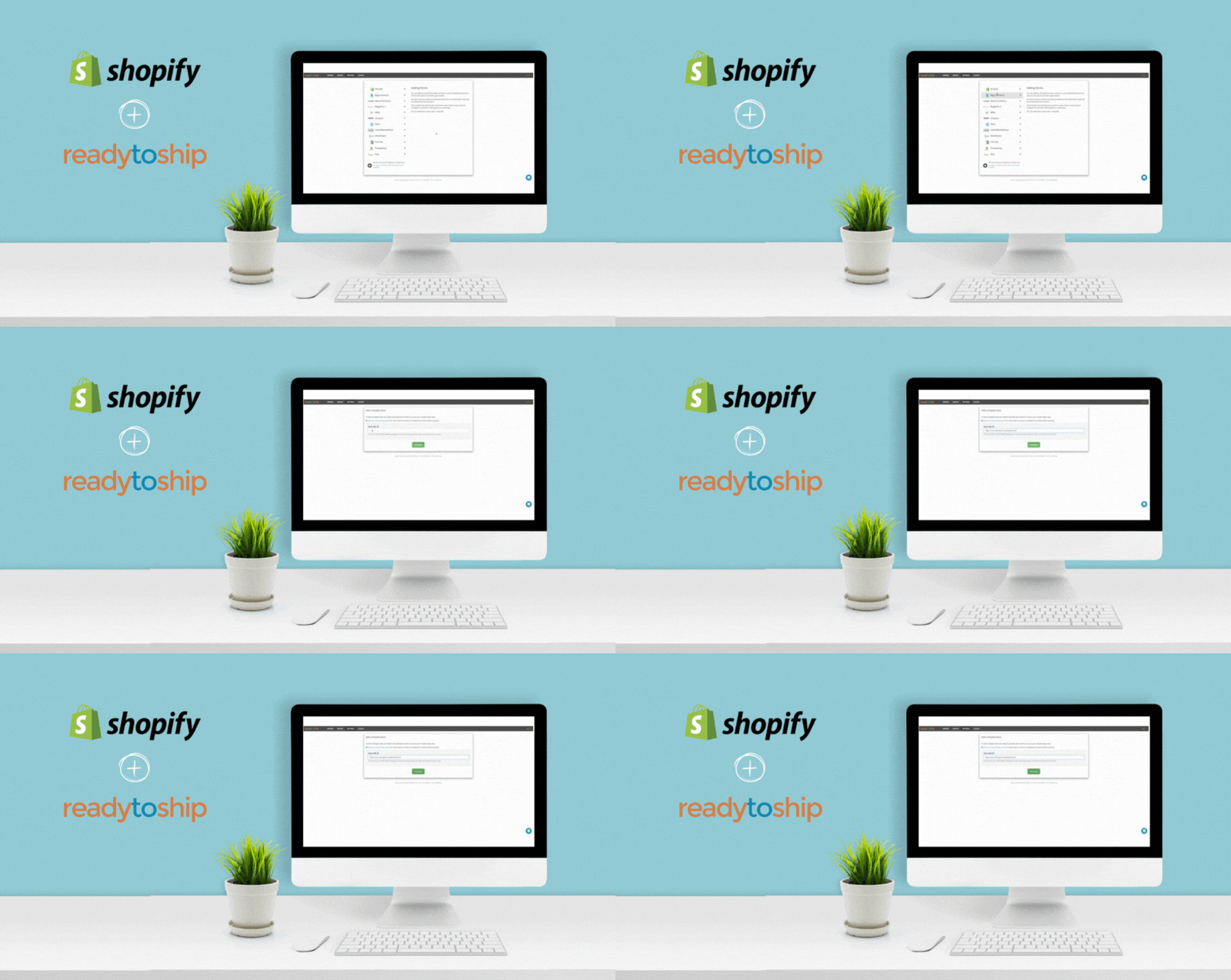
How ReadyToShip works with Shopify
From new orders to tracking updates, without copying and pasting.
Orders arrive
New Shopify orders import automatically.
Print labels
Choose a carrier and print labels in batches.
Store updated
Tracking goes back to Shopify and the order status changes to Fulfilled.

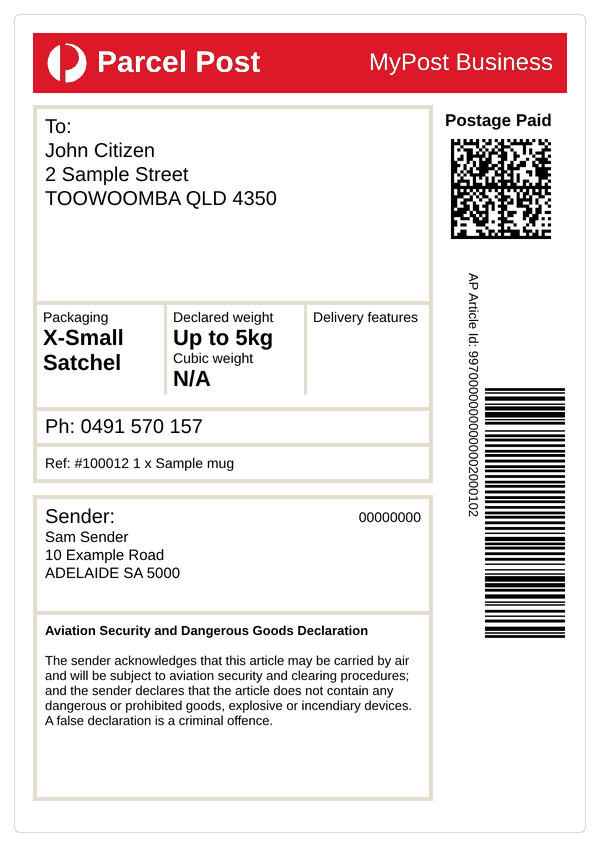
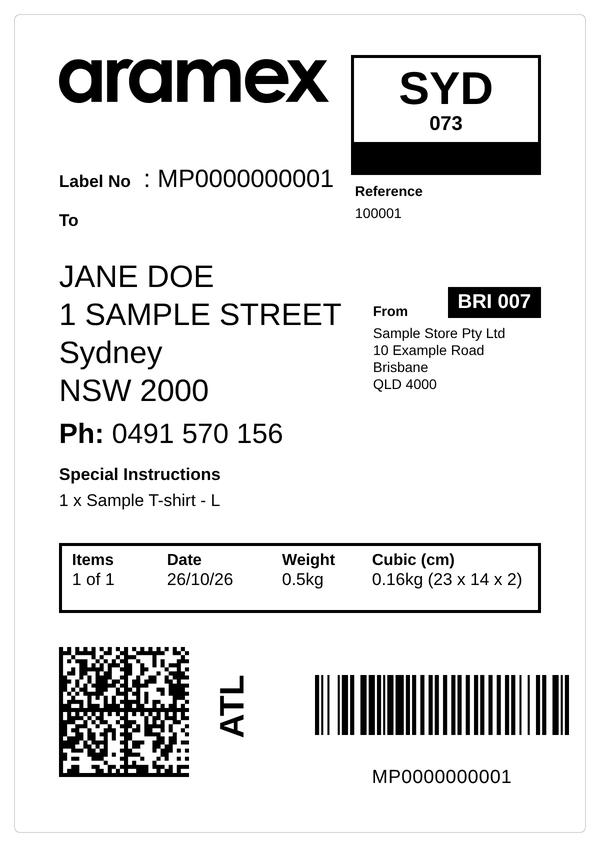
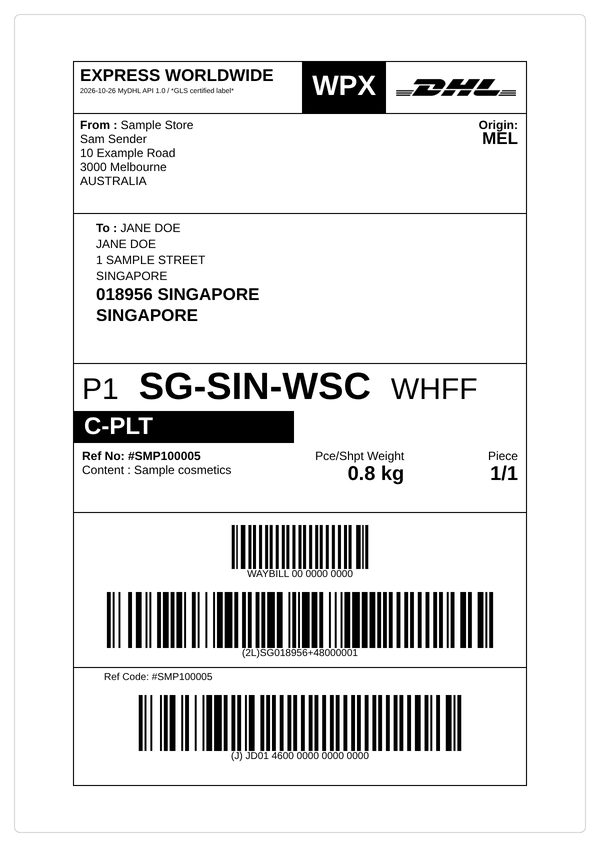
What syncs between Shopify and ReadyToShip
Orders come in on their own. Tracking goes back with one click. No more retyping addresses.
From Shopify to ReadyToShip
Automatic, every few minutes
Orders
Paid and unfulfilled orders
Customer details
Names, delivery addresses and contact details
Products
Including weights, and dimensions you've added as metafields in Shopify
Shipping method
What your customer chose at checkout
Customer notes
If you choose to include them
Customs details
Harmonised System (HS) codes and country of origin for international orders
From ReadyToShip to Shopify
When you click 'Update Store'
Carrier and tracking number
The order status changes to Fulfilled
Shopify or your carrier then sends the tracking details to your customer.
Why connect Shopify to ReadyToShip
Quick set-up
Connect your Shopify store in a few minutes by installing the ReadyToShip app.
Automatic import
Import orders from your Shopify store within minutes of a customer placing them.
Postcode validation
Find and fix postcode errors before you print a label.
Map carriers
Automatically assign a carrier and service based on the shipping method your customer chose.
Automation rules
Set rules that assign a carrier and service, apply a package, add a reminder or defer an order, based on details such as destination, SKU and order value.
Batching
Batch orders to print picklists, labels and invoices without copying and pasting.
Tracking
Send tracking numbers back to your Shopify store and change the order status to Fulfilled.
Multi-channel
Manage other sales channels, such as eBay and Kogan, alongside your Shopify store.
How to connect Shopify to ReadyToShip
Connect your store. In ReadyToShip, go to Settings > Stores, choose Shopify and install the ReadyToShip app in your Shopify store.
Add your store details. Give the store a name and a return address. ReadyToShip starts importing your paid, unfulfilled orders as soon as you save.
Connect your carriers. Add your own carrier accounts, such as MyPost Business, eParcel Contract or CouriersPlease.
Map your shipping methods. Use Carrier Mapping to match each Shopify shipping method to a carrier and service, so ReadyToShip chooses the right one for every order.
Print labels. Print labels one at a time or in batches, then click 'Update Store' to send tracking to Shopify and change the order status to Fulfilled.
Connect Shopify to your carriers
Connect your Shopify store to any of these carriers and ship parcels within Australia or worldwide.










Shopify shipping FAQs
How often are Shopify orders imported?
Which Shopify orders are imported?
Does ReadyToShip work with Shopify Markets?
Can I connect more than one Shopify store?
Can ReadyToShip ignore orders fulfilled by another location or a 3PL?
Do product weights and dimensions come across from Shopify?
What happens if an order changes in Shopify after it is imported?
Can Shopify customer notes appear on my labels?
Can I use my own carrier accounts?
Can ReadyToShip show live shipping rates at my Shopify checkout?
Try ReadyToShip for free
Start your 30-day free trial today. No set-up costs. No credit card required.
Start Free Trial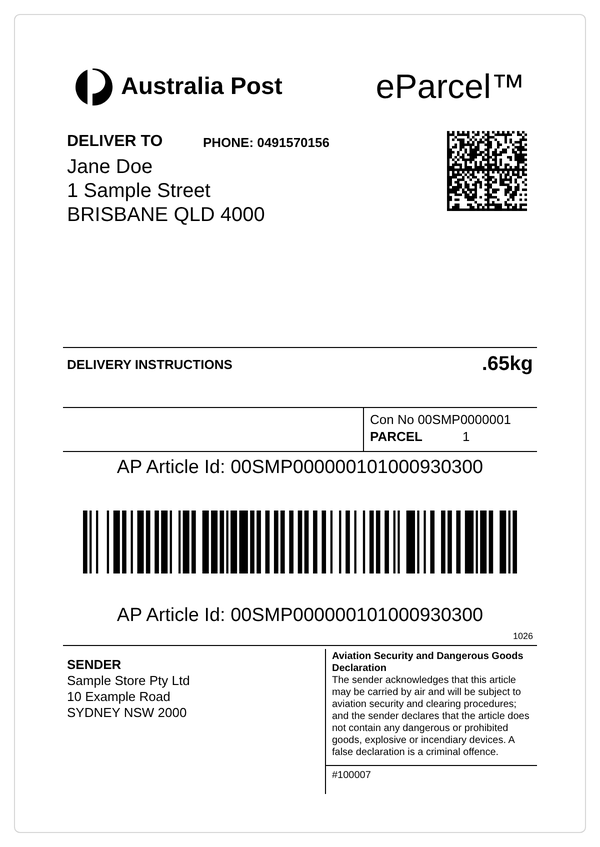
Resources
- How to connect Shopify to ReadyToShip
- Watch the Shopify set-up video
- Contact us via live chat or our contact page.
