
Print Team Global Express labels with ReadyToShip
ReadyToShip connects your online store to Team Global Express, so you can print Priority labels in batches and send tracking back to your store. You connect your own Team Global Express account and use your own rates.
No credit card required.

How ReadyToShip works with Team Global Express
From new orders to tracking updates, without copying and pasting.
Orders arrive
Orders from your online stores import automatically.
Print labels
Print Team Global Express labels in batches.
Store updated
Tracking goes back to your store and the order status is updated.



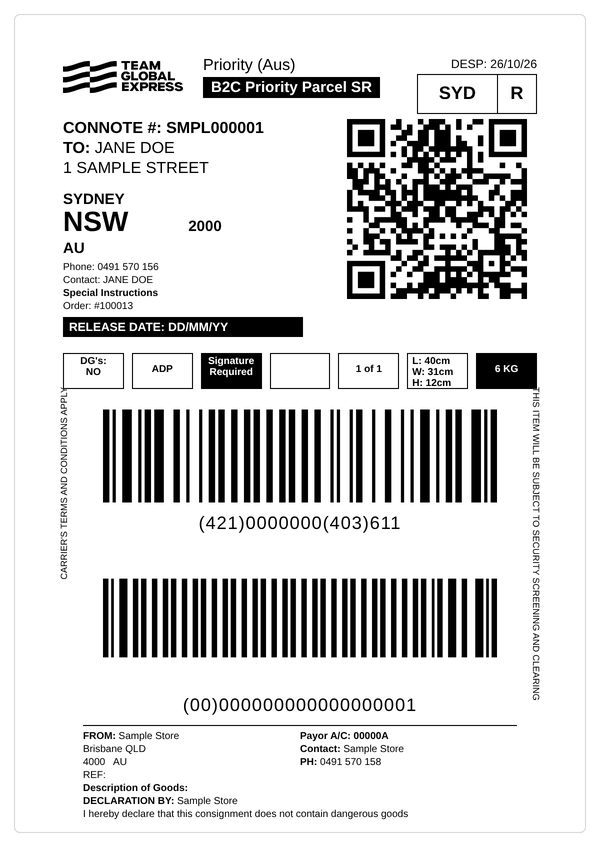
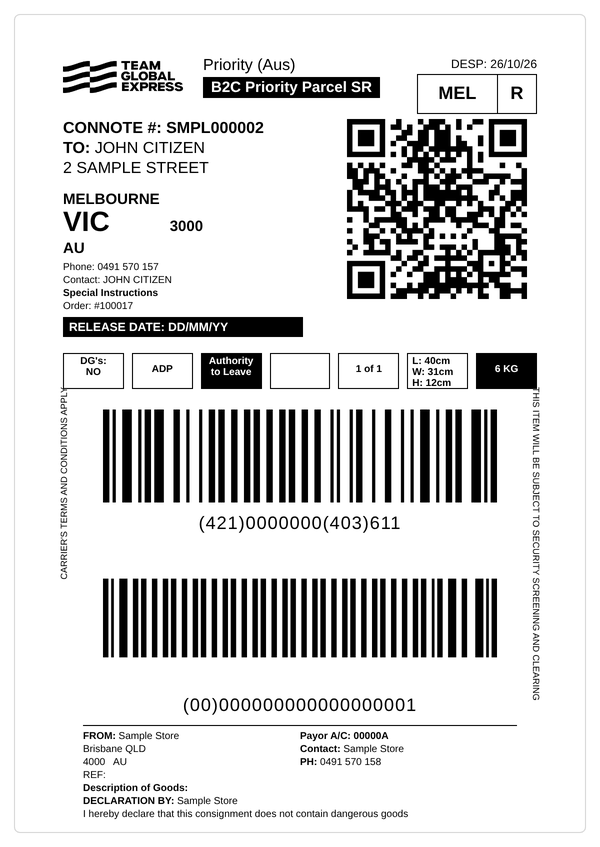
Team Global Express services you can use with ReadyToShip
Team Global Express Priority
Fast parcel delivery across Australia, including one, three and five kilogram satchels and parcels. ReadyToShip does not support IPEC.

Team Global Express benefits
Fast delivery
Team Global Express delivers to nine in 10 Australians in one day, and to regional Australia faster than other carriers.
Extensive network
A road and air network that spans Australia and New Zealand.
Delivery notifications
Merchant branded delivery notifications, plus Predict two-hour delivery windows for your customers.
Local customer support
Live chat and a 100% onshore customer service, credit and billing team.
Connect Team Global Express to your stores
Use Team Global Express with any of these stores and marketplaces.









How to connect Team Global Express to ReadyToShip
Request your account details. Complete the Team Global Express connection request form. Team Global Express emails your account number and a four-letter Connote Range Prefix.
Add the carrier. In ReadyToShip, go to Settings > Carriers, click Add Carrier and select Team Global Express.
Enter your details. Enter your account number and Connote Range Prefix, then set your defaults, such as signature on delivery, address type and a description of the contents.
Save. Click Save Team Global Express Carrier, then map your shipping methods to Team Global Express services.
Team Global Express shipping FAQs
When is the Team Global Express Christmas cut-off in 2026?
What do I need to connect my Team Global Express account?
Which Team Global Express services work with ReadyToShip?
How do customers track a Team Global Express parcel?
Can I use my own Team Global Express rates?
Does ReadyToShip book pickups with Team Global Express?
Try ReadyToShip for free
Start your 30-day free trial today. No set-up costs. No credit card required.
Start Free Trial