
Print DHL Express or DHL eCommerce labels with ReadyToShip
Whether you use DHL eCommerce for international parcels or DHL Express for time-sensitive shipments, ReadyToShip connects your DHL account so you can create labels and manage shipments in one workflow. It brings your online store orders and DHL together, so you spend less time on manual processing and dispatch more accurately.
No credit card required.

How ReadyToShip works with DHL
From new orders to tracking updates, without copying and pasting.
Orders arrive
Orders from your online stores import automatically.
Print labels
Print DHL labels in batches.
Store updated
Tracking goes back to your store and the order status is updated.



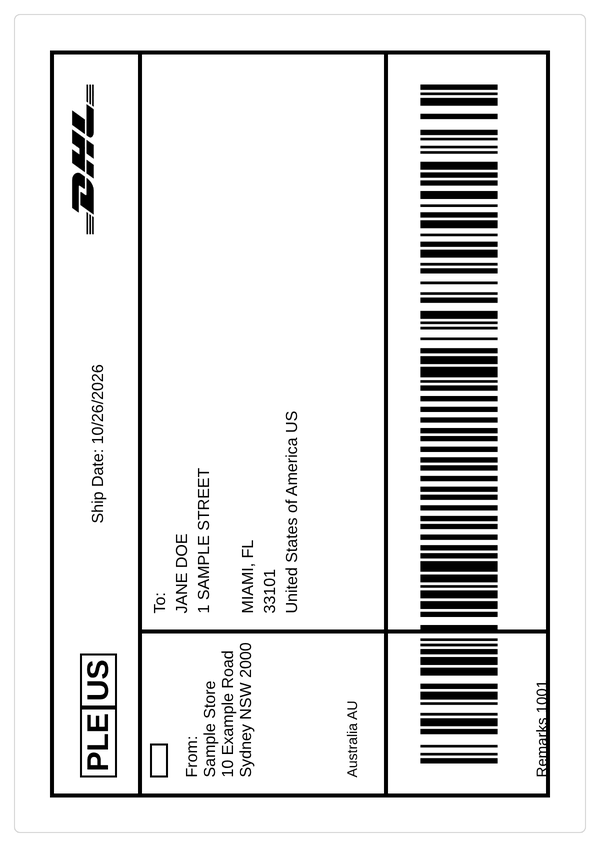
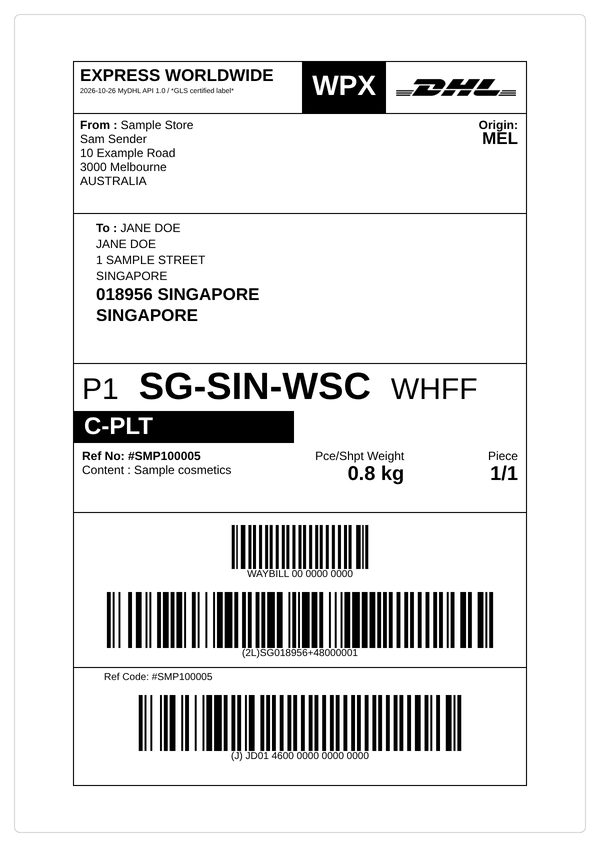
Choose the DHL service that suits your business
ReadyToShip supports both DHL eCommerce and DHL Express. They use separate systems, so each needs its own DHL account.
DHL eCommerce
A cost-effective option for sending international parcels through DHL's global ecommerce network.
To connect, submit a request in ReadyToShip. A DHL representative confirms your access within one to two business days, then the ReadyToShip team completes the connection and lets you know when it's ready.
DHL Express
Fast, time-definite international delivery for shipments that need to arrive within a specific timeframe.
You connect your own DHL Express account using your DHL API credentials, then create labels and manage shipments in the same workflow as your other carriers.
Why connect DHL with ReadyToShip?
Streamlined shipping workflow
Manage DHL shipments alongside your other carriers without switching between systems, and create labels from one place.
Simple account set-up
The ReadyToShip team completes DHL eCommerce connections for you, and DHL Express connects with your API credentials. Our support team can help during set-up.
Reliable international shipping
DHL delivers to more than 220 countries and territories through one of the world's largest logistics networks.
Flexible shipping options
Choose economical international shipping with DHL eCommerce or faster delivery with DHL Express, to suit each order.
Scale as your business grows
As your order volume grows, keep your orders, labels and carrier connections in one place instead of processing shipments across several websites.
Track shipments with confidence
Send DHL tracking details to your store so customers can follow their parcel, which means fewer "Where is my order?" enquiries.
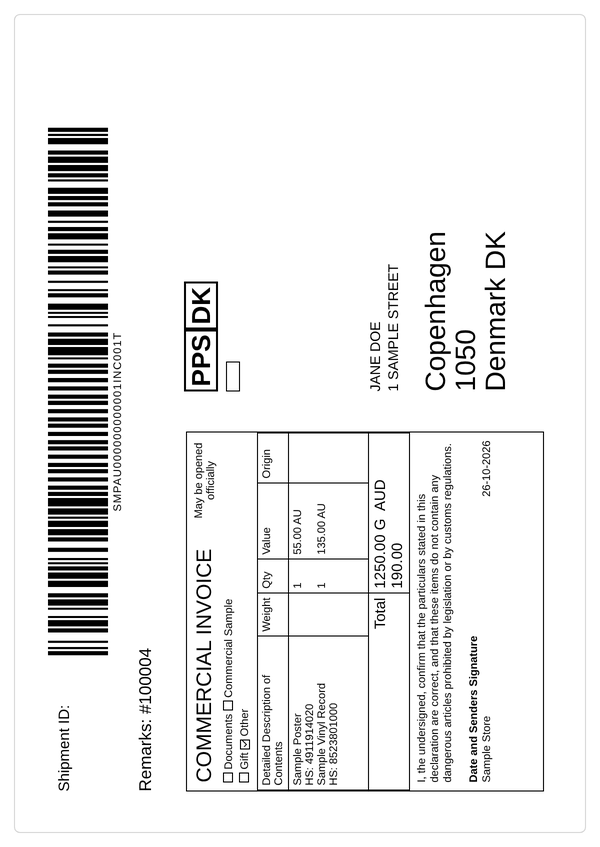
Customs details for international orders
DHL labels for international orders may require additional customs details, such as Harmonised System (HS) codes, the country of origin, and a description and value for each item. Depending on your store, these details can come across with your orders.
Connect DHL to your stores
Both DHL services work with all of these stores and marketplaces.









How to connect DHL to ReadyToShip
DHL eCommerce
Get a DHL eCommerce account. If you don't have one, request a quote from DHL.
Add the carrier. In ReadyToShip, go to Settings > Carriers, click Add Carrier and select DHL eCommerce.
Submit your details. Enter your DHL eCommerce account number, company name as registered with DHL, contact name, pickup address, phone number and email, then click Submit Details.
Wait for confirmation. A DHL representative contacts you within one to two business days to confirm access. The ReadyToShip team then completes the connection and lets you know when it's ready.
DHL Express
Get your API credentials. You need an active DHL Express account, your account number, and an API key and secret from the DHL Developer portal.
Add the carrier. In ReadyToShip, go to Settings > Carriers, click Add Carrier and select DHL Express.
Connect. Enter your API key, API secret and account number, then click Test Connection.
Choose your settings. Set your pickup type, who pays duties and taxes, your default country of origin and goods classification, then save the connection.
DHL shipping FAQs
When should I send DHL international parcels for Christmas 2026?
What is the difference between DHL eCommerce and DHL Express?
How long does it take to connect DHL eCommerce?
How do I connect DHL Express?
Does ReadyToShip book DHL pickups?
Can I pay my customers' duties and taxes?
How do customers track a DHL parcel?
Try ReadyToShip for free
Start your 30-day free trial today. No set-up costs. No credit card required.
Start Free Trial