
Print Australia Post labels with ReadyToShip
ReadyToShip connects your online store to Australia Post, so you can print MyPost Business, eParcel Contract and StarTrack labels in batches and send tracking back to your store. You connect your own Australia Post account and use your own rates.
No credit card required.

How ReadyToShip works with Australia Post
From new orders to tracking updates, without copying and pasting.
Orders arrive
Orders from your online stores import automatically.
Print labels
Print Australia Post labels in batches.
Store updated
Tracking goes back to your store and the order status is updated.



Australia Post services you can use with ReadyToShip
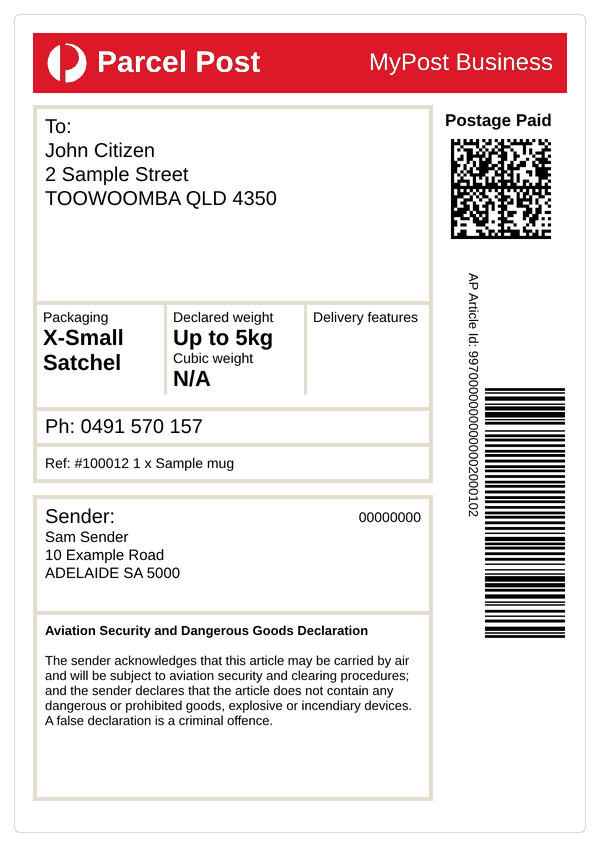
MyPost Business
Australia Post's business account for small and growing businesses. Print domestic and international labels, and pay for them by credit card, charge account or PayPal.
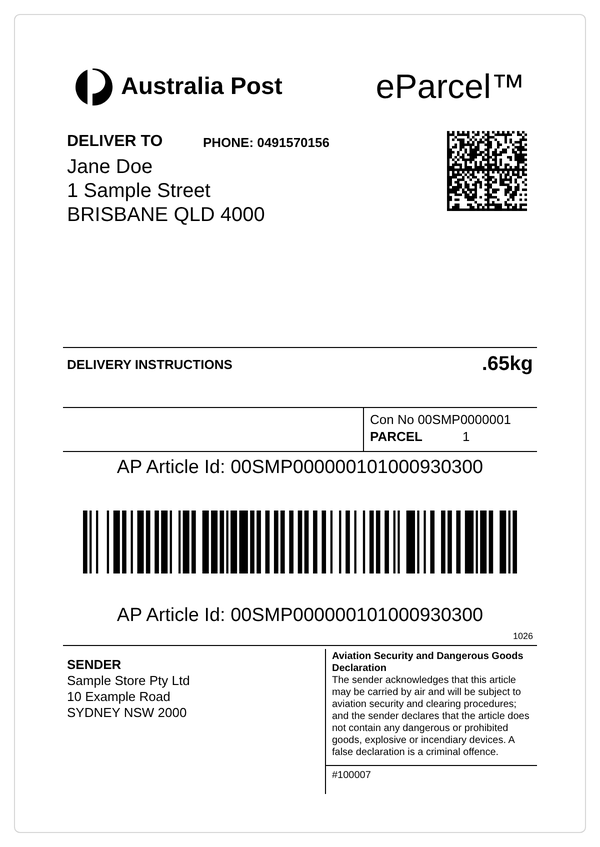
eParcel Contract
A contract account for businesses with higher volumes. The eParcel rates shown in ReadyToShip include GST and fuel surcharges.
StarTrack
Australia Post's express courier network for businesses. StarTrack connects to ReadyToShip the same way as eParcel Contract.

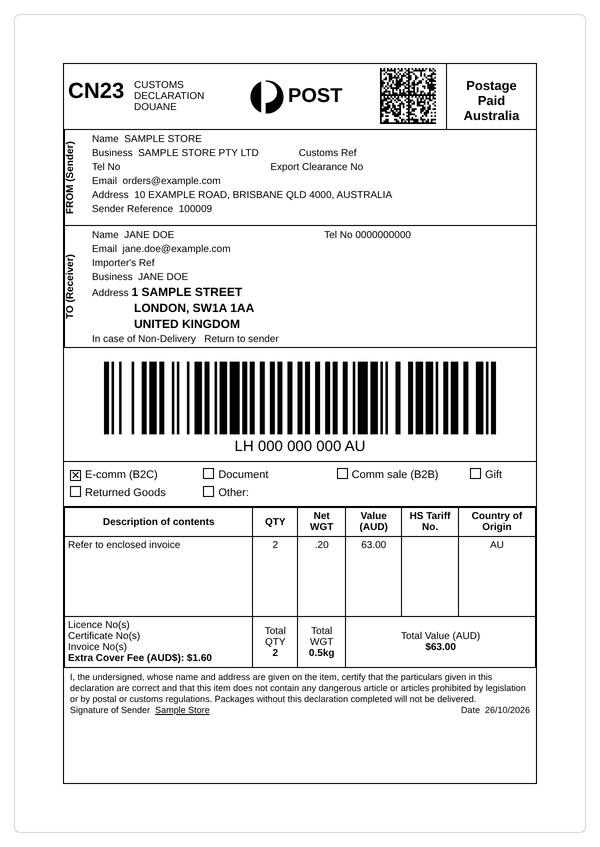
With Australia Post, you can ship Standard and Express parcels within Australia and to more than 220 international destinations. You may even be eligible for more than one service to maximise your savings.
Australia Post benefits
Responsive support
MyPost Business customers can rely on Australia Post's support team. eParcel Contract and StarTrack customers have a dedicated account manager.
Delivery updates
Australia Post keeps you and your customers informed at every step, so parcels arrive safely and on time.
International shipping
Reach more than 220 destinations worldwide with Australia Post's international services.
Businesses of all sizes
Whether you ship one order a day or a thousand, Australia Post has options that grow with your business.
Ship anywhere in Australia
Deliver to any standard Australian address, PO Box or Parcel Locker.
Authority to Leave
Choose whether a parcel needs a signature on delivery or can be left safely, and set it as a default or for individual orders. Additional charges may apply.
Extra Cover
Protect parcels against loss or damage in transit with Australia Post's Extra Cover, available up to $5,000. Additional charges may apply.
Connect Australia Post to your stores
Use Australia Post with any of these stores and marketplaces.









How to connect Australia Post to ReadyToShip
There are two ways to connect, depending on your Australia Post account.

MyPost Business
Connect your MyPost Business account.
You'll need
- Merchant Token
You generate the token yourself in MyPost Business.


eParcel Contract and StarTrack
Connect a contract account through the Australia Post Developer Centre.
You'll need
- API key
- Secret
- Account number
Australia Post usually emails these within one business day.
MyPost Business
Get your Merchant Token. Generate it in your MyPost Business account.
Add the carrier. In ReadyToShip, go to Settings > Carriers, click Add Carrier and select MyPost Business.
Connect. Enter your Merchant Token and click Test Connection.
Choose your settings. Set your payment method and defaults, such as signature on delivery.
eParcel Contract and StarTrack
Request an API key. In the Australia Post Developer Centre, register for a Shipping and Tracking API key and select Yes when asked if you're using a platform partner.
Wait for your details. Australia Post usually emails your API key, secret and account number within one business day.
Add the carrier. In ReadyToShip, go to Settings > Carriers, click Add Carrier and select eParcel or StarTrack.
Connect. Enter your API key, secret and account number, then click Test Connection.
Customer stories
Join thousands of Australian businesses saving time on shipping labels.

Sleep Tight Babies
"The biggest game-changer for us was how ReadyToShip simplified our shipping process," says Michelle. "The team is always available to answer any questions, and with just a click of an online chat button, we get the support we need instantly."
Read the full story
The Sockery
"Before ReadyToShip, sending orders was complicated and time-consuming." ReadyToShip has simplified The Sockery's order fulfilment, saving them time and reducing complexity.
Read the full story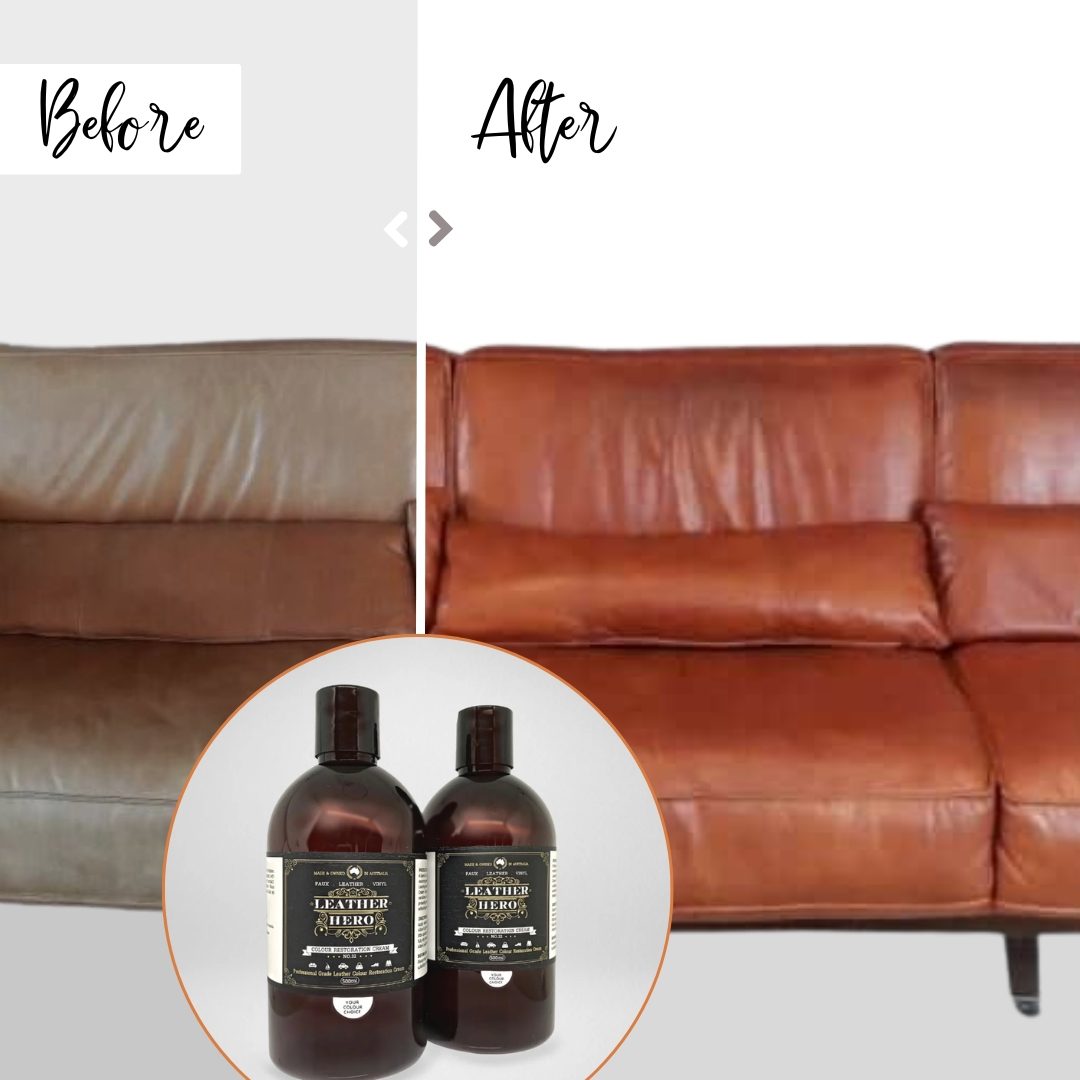
Leather Hero
"ReadyToShip has provided a reliable service to my company for years," says Leanne. "The Support Team is eager to help, quick and productive."
Read the full story


Australia Post shipping FAQs
When is the Australia Post Christmas cut-off in 2026?
Which Australia Post accounts work with ReadyToShip?
What do I need to connect my Australia Post account?
How do customers track an Australia Post parcel?
Do the eParcel rates shown include fuel surcharge and GST?
Can I add signature on delivery or authority to leave?
Can I use my own Australia Post rates?
Does ReadyToShip book pickups with Australia Post?
Try ReadyToShip for free
Start your 30-day free trial today. No set-up costs. No credit card required.
Start Free Trial