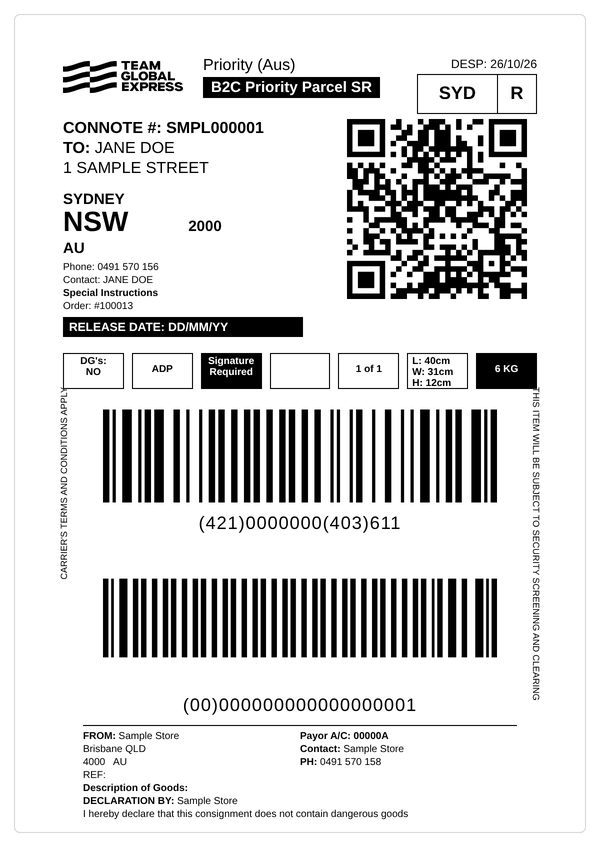
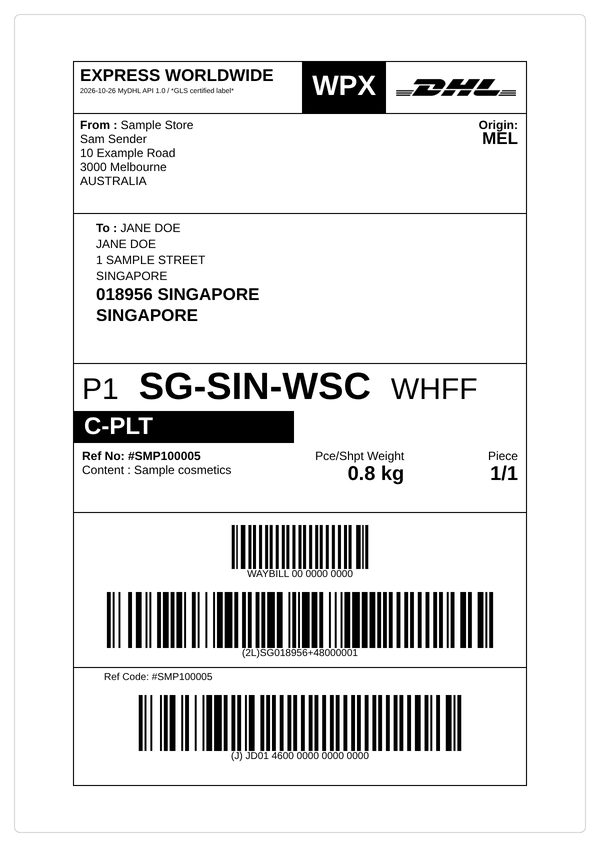
Automate shipping label printing and tracking
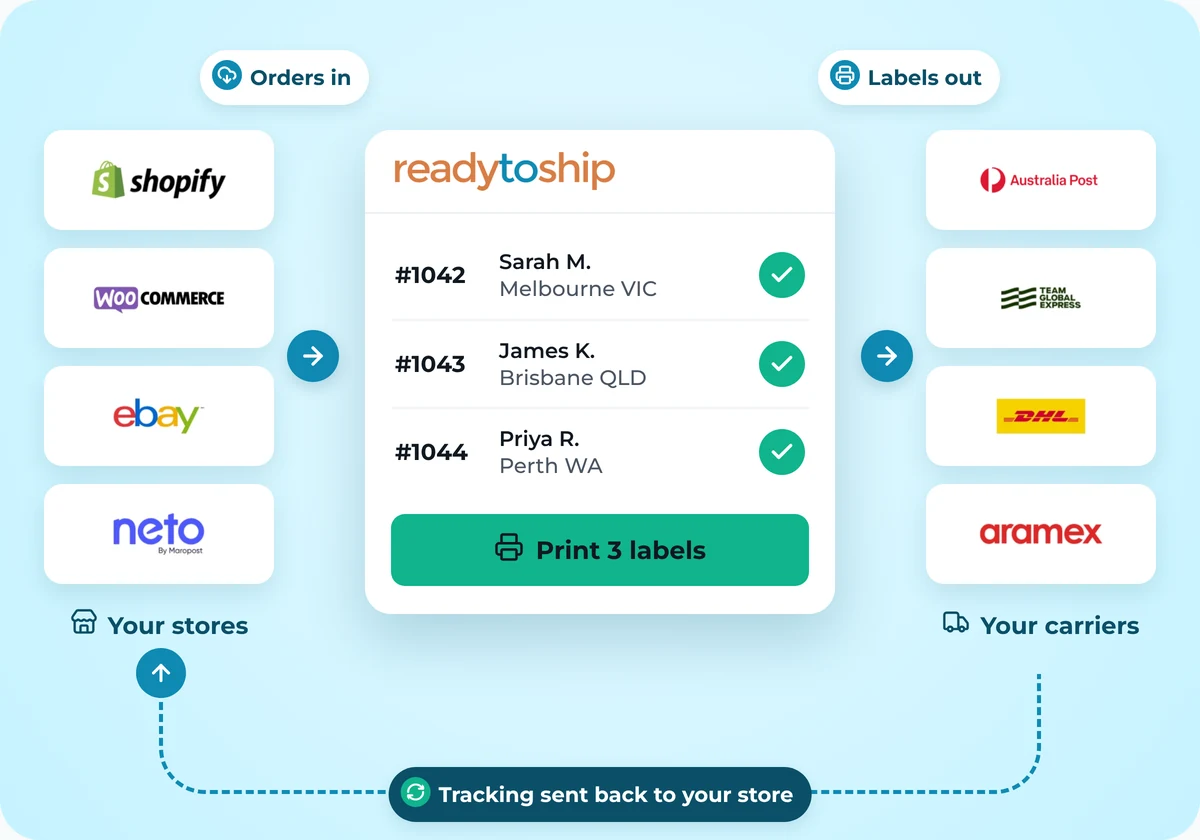
ReadyToShip connects your online store with your shipping carriers. Within minutes of your customers placing orders, ReadyToShip imports them with all the details you need to create shipping labels.
Print labels, invoices and picklists in batches, then upload tracking details back to your store in one click. We simplify and automate the label printing and shipping process, so you can manage all your shipments in one place.
No credit card required.
ReadyToShip features
Automatic order importing
Import orders and order statuses from all your stores every few minutes, including details such as weights and customer comments.
Automation rules
Use order details such as destination, product code (SKU) and order value to automatically assign shipping services, apply packages, add reminders, defer orders or move orders into Shipping Runs.
Read about automation rulesConnect to multiple carriers
Add as many carrier connections as you need, including more than one for the same carrier, to separate your shipping types and prioritise your picking runs.
Postcode validation
ReadyToShip checks postcodes automatically as orders are imported, so you can correct an address before the parcel ships.
Unlimited user accounts
Create unlimited user accounts with different access levels, so your staff can work side by side and keep orders moving.
No copying and pasting
Create consignments with your connected carriers without copying and pasting order details. Generate manifests, the summary of parcels your carrier collects, and upload tracking details with one click, saving you hours of work.
Reminders
Add notes to orders and set reminders that appear in your dashboard at a later date.
Searchable order history
Search for orders by name, email, tracking number, SKU and more.
Flexible pricing
You pay only for the orders you process. Your first 20 orders each month are free, and there is no monthly minimum, subscription fee or contract.
See pricing
Shipping label automation across all your stores












Connect your stores to supported carriers






What ReadyToShip does and doesn't do
ReadyToShip does:
Import orders from your connected stores and marketplaces
Print shipping labels, invoices and picklists, one at a time or in batches
Send tracking details back to your store
Connect your own carrier accounts, using your agreed rates
ReadyToShip doesn't:
Deliver parcels. ReadyToShip is not a carrier, so you still arrange dispatch with your carrier.
Show live shipping rates at your checkout.
Sync stock levels.
Book carrier pickups, except for DHL Express. For other carriers, arrange pickup or drop-off with your carrier.
Frequently asked questions
What can I automate with shipping rules?
How often are orders imported?
How does tracking get back to my store and customer?
ReadyToShip sends tracking details to your store when you click 'Update Store'. Your store or carrier then sends this information to your customer. ReadyToShip does not email customers directly.
If customers are not receiving tracking emails, check your store settings.
How many users can I add?
Can I use my own carrier account and rates?
Can I compare carrier rates or choose the cheapest service?
Can I ship internationally, and does ReadyToShip handle customs details?
Can I create a shipment without an order in my store?
What printer do I need, and which label sizes are supported?
Use a standard laser printer or a thermal label printer that can print PDF documents. Barcodes must be sharp and clear so carriers can scan them reliably.
Most carriers support A6 labels. Australia Post international labels can be A5 or A6 with both MyPost Business and eParcel. Australia Post provides the right size based on the order and your printer settings in ReadyToShip.
Can I print invoices, picklists and packing slips with my logo?
Is ReadyToShip a web app, and does it work on a tablet or phone?
Try ReadyToShip for free
Start your 30-day free trial today. No set-up costs. No credit card required.
Start Free Trial